
Track every vehicle expense
Log every fill-up, expense and service and see what your car, motorcycle or truck costs each month. Free on your phone and your computer.
- Fuel economy for every tank
- A heads-up before the service or insurance is due
- The cheapest gas station near you


Use the web versionDownload Android APK
Rated 4.8 on Google Play, with more than 5 million downloads
What did your vehicle cost you last month?
If you had to stop and think, that's normal: vehicle costs trickle out in different places, and nobody adds them all up.
No fuel tracking
You fill up, pay, and forget. You don't know how much you spend per month or your actual consumption.
Disorganized expenses
Insurance, taxes, parking, tolls, car wash... costs pile up and go unnoticed.
Forgotten maintenance
Oil changes, services, filters, tires. Without reminders, you only remember when something breaks.
Nobody adds it all up
Fuel on the card, taxes online, parking in cash. Without writing it down, the monthly cost is a guess.
Drivvo does the math for you
You log fill-ups, expenses and services. Drivvo adds them up, works out your fuel economy and reminds you when the next service is due.
Reports
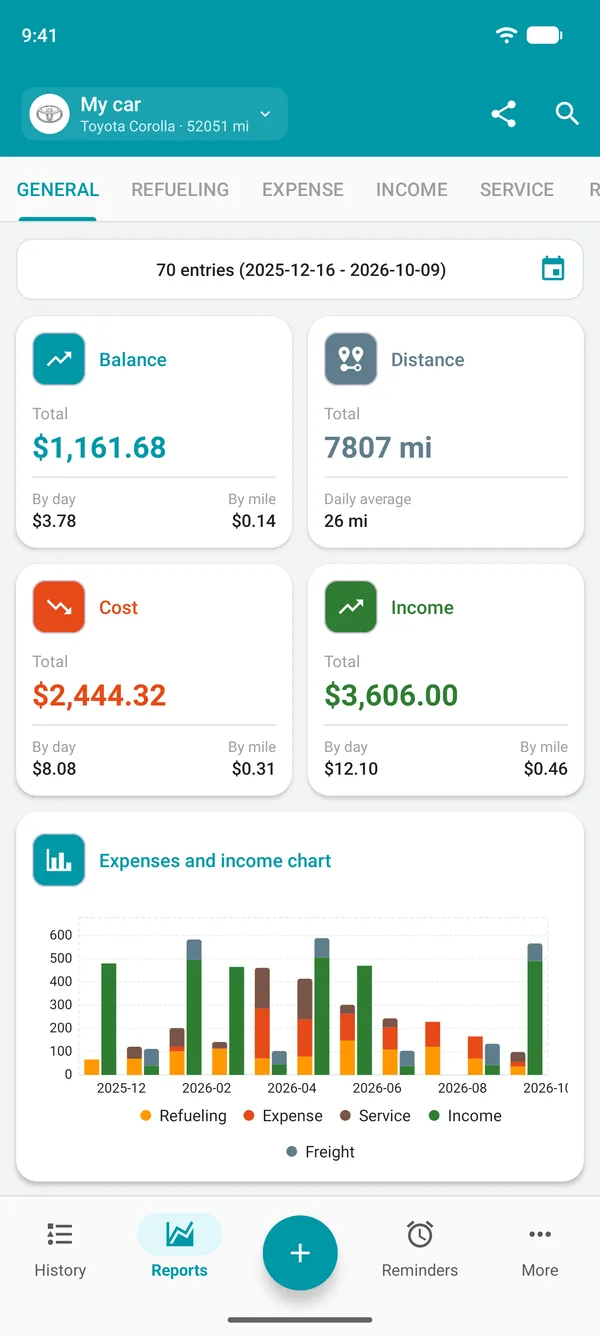
Your vehicle's cost, month by month
Fuel, maintenance, insurance and taxes go into one total. Reports show cost, income and balance per day and per mile.
Reminders
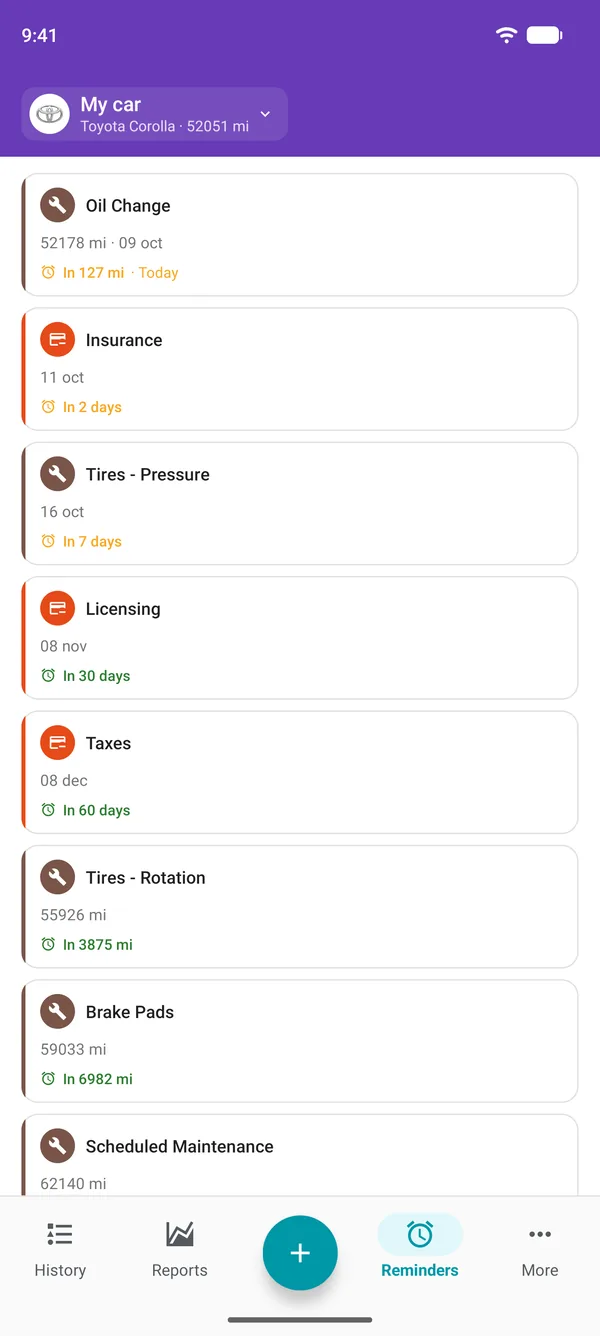
The app remembers for you
Set reminders by date or mileage for oil changes, services, insurance and taxes. The alert comes before the due date, and one tap logs the service once it's done.
History
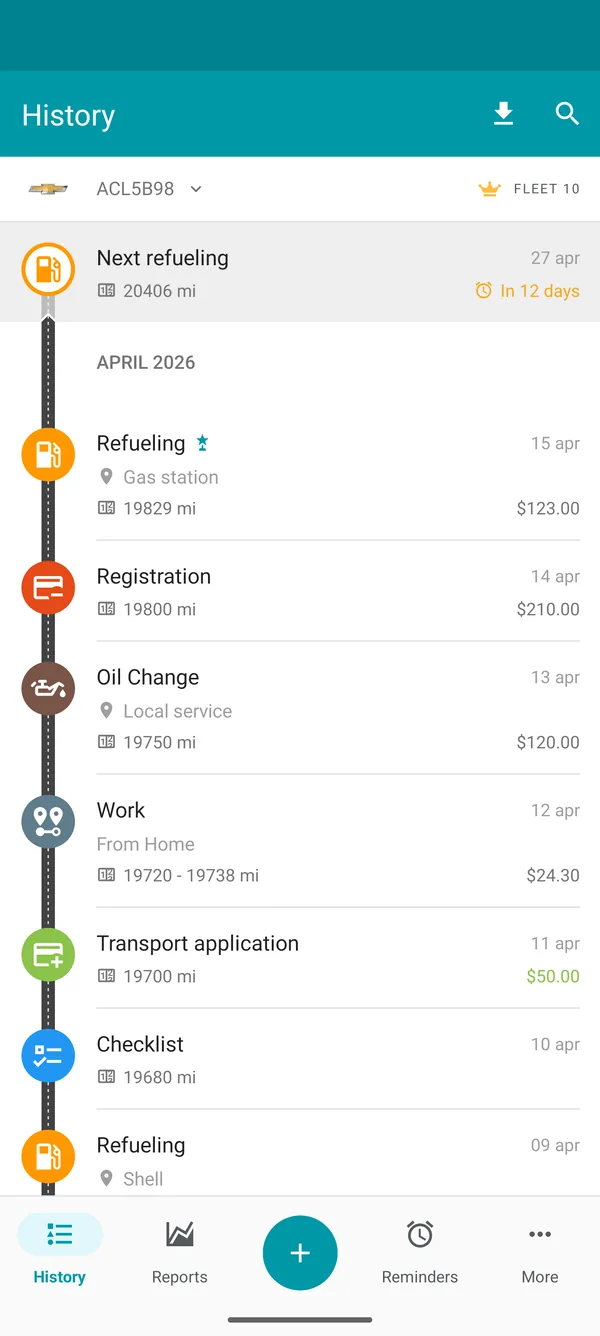
Everything about your vehicle in one place
Fill-ups, expenses, services and reminders on one timeline, with a summary for each month. No more spreadsheets or paper in the glove box.
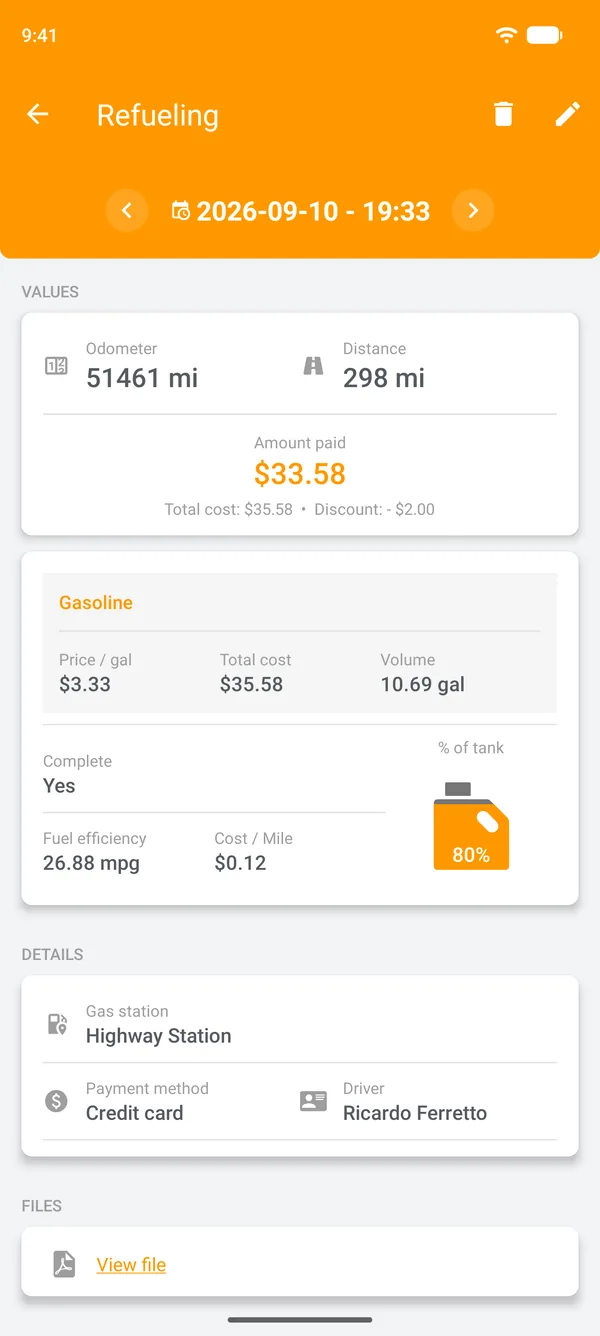
Refueling
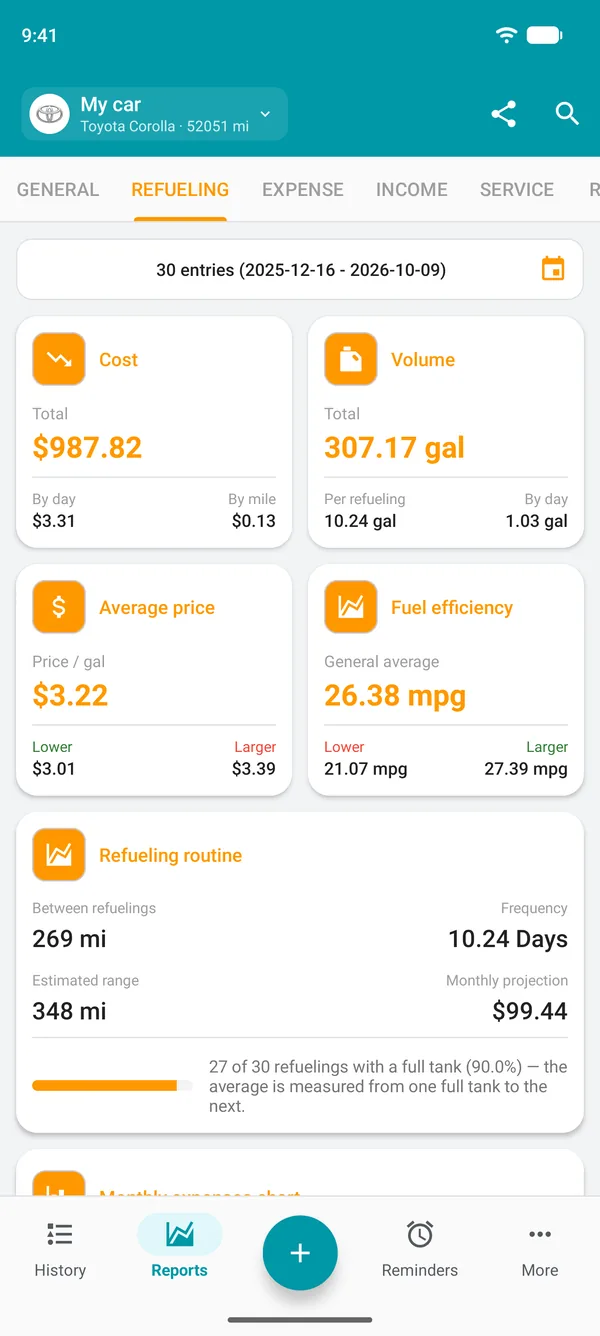
Track the fuel economy of every tank
Overall and per-tank averages, the price you paid and the expected spend for the month. If fuel economy drops, you'll notice at the next fill-up.
Get started in three steps
From download to your first logged fill-up takes just a few minutes.
Install and sign up
Download it free from Google Play or the App Store, or use it in your browser at web.drivvo.com, and create your account.
Add your vehicle
Register your car, motorcycle or any other vehicle in less than 1 minute.
Start logging
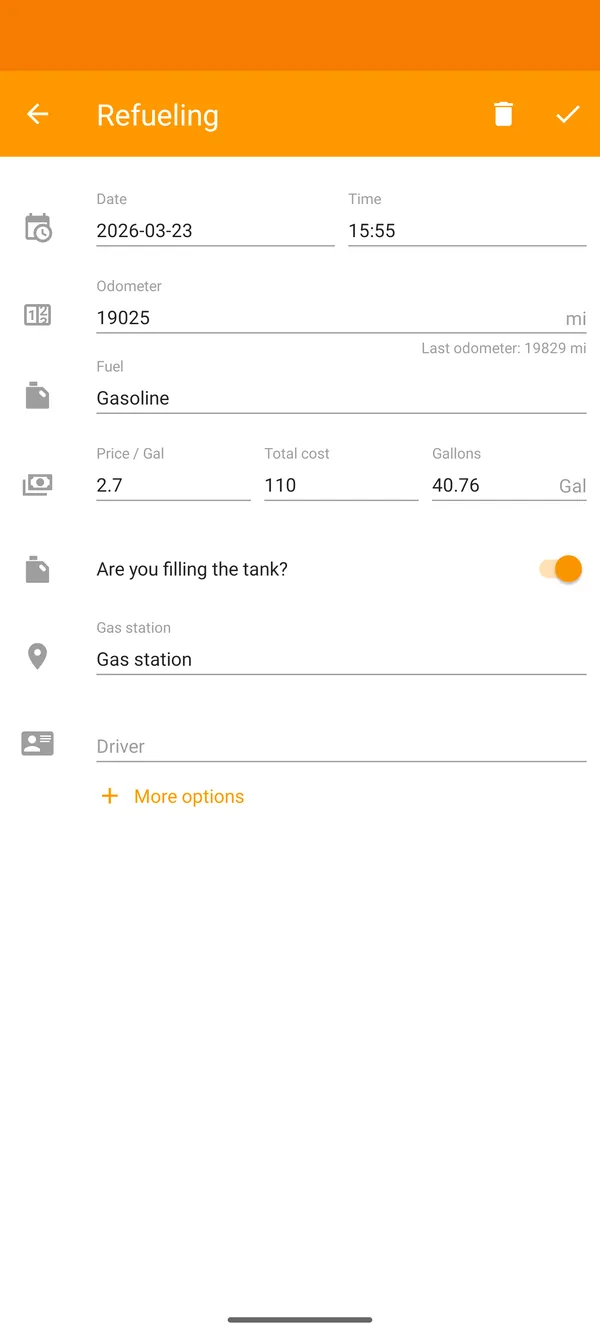
Log every fill-up, expense and service. By the second fill-up, your first fuel economy figure shows up.
Hear it from our users
With Drivvo, I finally know how much I really earn. I track fuel, expenses and see my real profit.
Carlos M., Rideshare driver I track my motorcycle's maintenance, fill-ups and mileage. In 2 years I've never missed a service and my fuel consumption dropped 12%.
Marina F., Motorcyclist I've been using Drivvo for 3 years. Simple, free and shows me exactly how much my car costs per month.
Roberto K., Car owner
For every type of vehicle
Cars, motorcycles and trucks, but also buses, boats, tractors, planes and even generators, by odometer or hour meter.
- Car
- Motorcycle
- Truck
- Bus
- Boat
- Tractor
- Airplane
- Generator
On your phone and your computer
Start on your phone and pick up on your computer: with the same account, your data shows up on both.
Automatic sync across devices
Vehicle expense tracking in practice
How to log fill-ups, services and vehicle expenses, from start to finish.
Free, with no time limit
The Free plan never expires and already covers what most people use every day. It shows ads; paid plans remove them.
- Works offline
- No credit card
- Syncs across phones
In the Free plan
- Unlimited fill-ups, expenses and services
- Up to 2 active vehicles
- Reminders by date or mileage
- Reports and charts
- Where to refuel, with prices at stations near you
- Android, iPhone and the web, in 79 languages
A paid plan removes ads and unlocks more vehicles, unlimited income entries, attachments and CSV export.
See plansFrequently asked questions
Is Drivvo free?
Yes. The Free plan never expires and logs unlimited fill-ups, expenses and services, with ads. Paid plans remove ads and unlock more vehicles and data export.
Can I use the app offline?
Yes. The app works offline on Android and iOS. Data syncs automatically when you connect to the internet.
Can I use Drivvo on a computer?
Yes. The web version works in any browser: go to web.drivvo.com and sign in with the same account you use in the app.
Can I track more than one vehicle?
Yes. The Free plan covers up to 2 active vehicles, each with its own reports. For more, Individual goes up to 5 and PRO up to 10.
Does it work for motorcycles, trucks and other vehicles?
Yes. Drivvo works with cars, motorcycles, trucks, buses, boats, tractors, airplanes and even generators.
Is my data safe?
Yes. Your data stays in your account, protected by your password, and travels between the app and our servers over an encrypted connection. Only people you invite to your account can see your records.
How do I export my data?
With a paid plan. In the app, you export to CSV from the download icon in History. On the web, Reports and History can also be exported to PDF and XLSX.
Start with your next fill-up
Free on Android, iPhone and the web, with over 5 million downloads since 2012.