
Fleet management software
Drivers log fill-ups, expenses and checklists in the app. You follow the cost of every vehicle and every driver in Drivvo Web, right in your browser.
No credit card and no charge when the trial ends
Rated 4.8 on Google Play, with more than 5 million downloads
How Drivvo works in your fleet
From sign-up to reports, with no spreadsheets in between.
Create your account and add your vehicles
In your browser, in a few minutes: once the account is created, you're already in Drivvo Web. Cars, motorcycles, trucks, buses and machines with an hour meter.
Add your drivers
Enter each driver's name and email, then pick their profile and vehicles. Drivers get their password by email, download the free app and sign in on their own phone.
Drivers log everything in the app
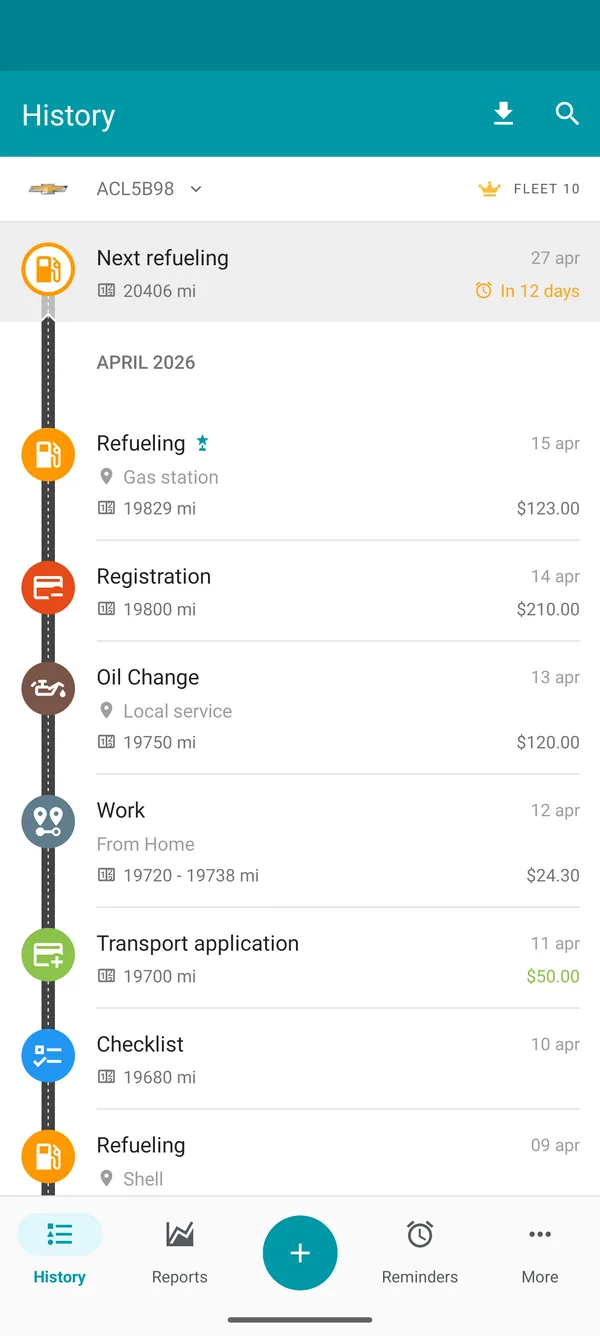
Fill-ups, expenses, services, trips and checklists, right when they happen.
You follow everything on the dashboard
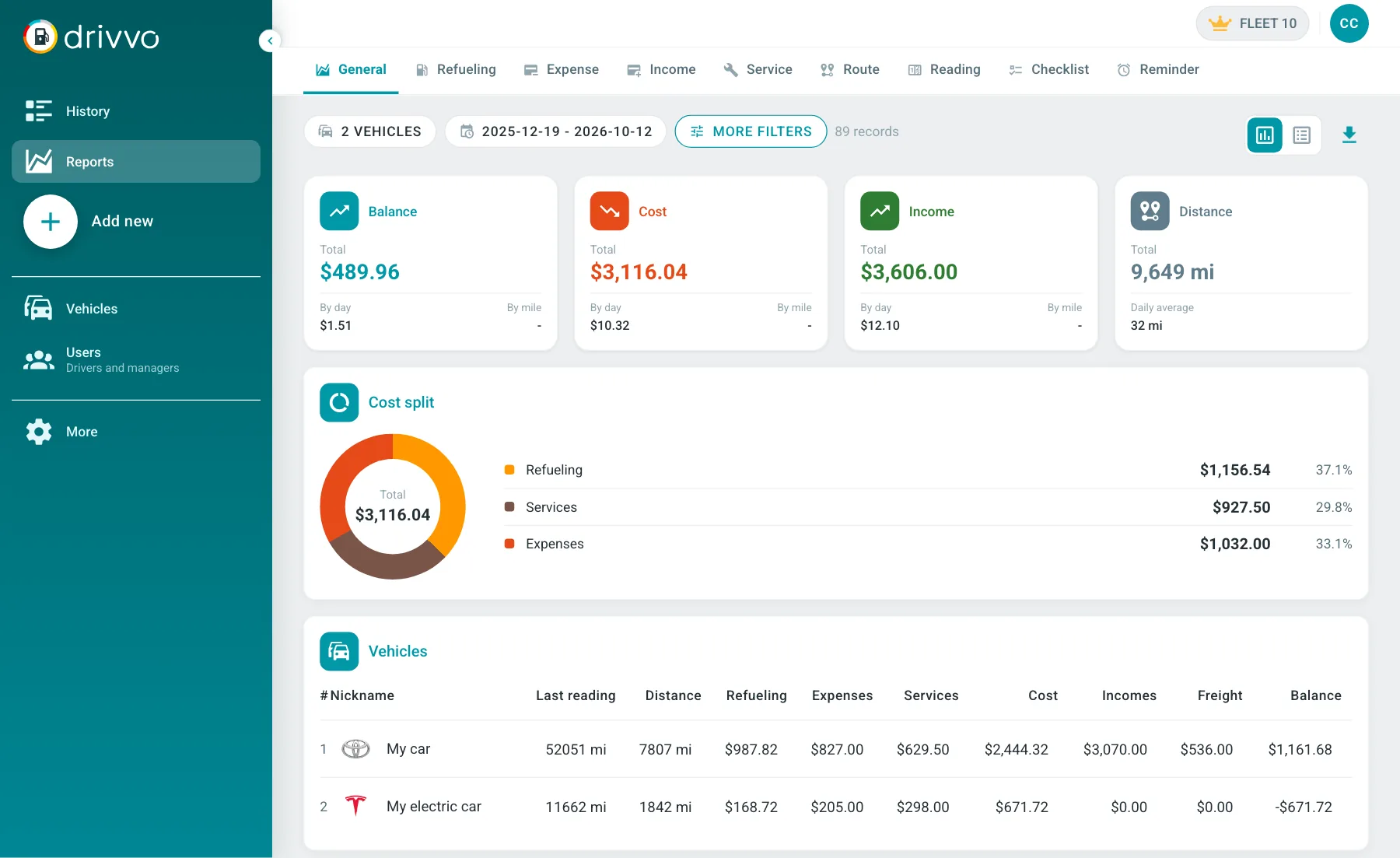
Cost per vehicle, per driver and per km, fuel economy and maintenance, with fleet totals.
One price per vehicle, everything included
The Fleet plan is priced per vehicle, from 5 vehicles, monthly or yearly. Each vehicle you pay for includes one user, plus you.
$4.00
per vehicle per month
Estimated total
$40.00 monthly
- Full access to all modules
- 10 vehicles and as many users, plus you
- Reports and export
- Checklists, forms and access profiles
- Drivvo Web and apps for Android and iPhone
No credit card and no charge when the trial ends
Start your 15-day free trial
Once your account is created, you go straight into Drivvo Web to add your vehicles and invite your drivers.
What you get in the trial
- 15 days with full access
- No credit card required
- 10 to 100 vehicles, depending on your fleet size
- Help from our team to get started
- If you subscribe later, your records are still there
Managing 200 vehicles was chaos with spreadsheets. Drivvo organized everything and reduced our costs by 18%.
Rated 4.8 on Google Play, with more than 5 million downloads
Managers on the computer, drivers on their phones
What drivers log in the app shows up in Drivvo Web as soon as the phone syncs. And the app your drivers will use has passed 5 million downloads.
Managers, in Drivvo Web
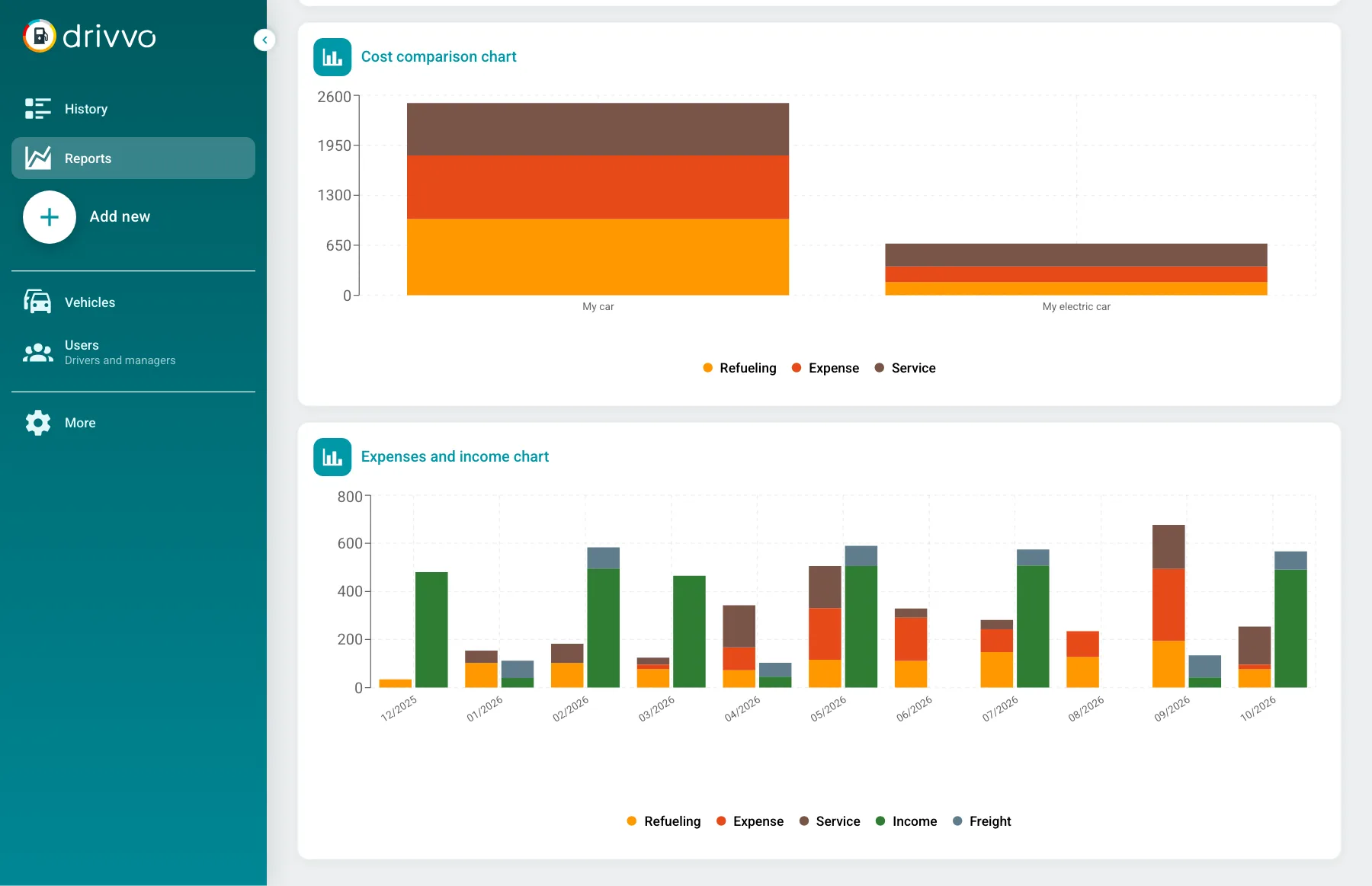
- Every vehicle and the fleet totals in one dashboard
- Reports by vehicle, driver, period and gas station
- Vehicles compared side by side
- Set up vehicles, drivers, profiles and checklist forms
- Export to PDF, Excel and CSV
Drivers, in the app
- Sees only the vehicles you assign
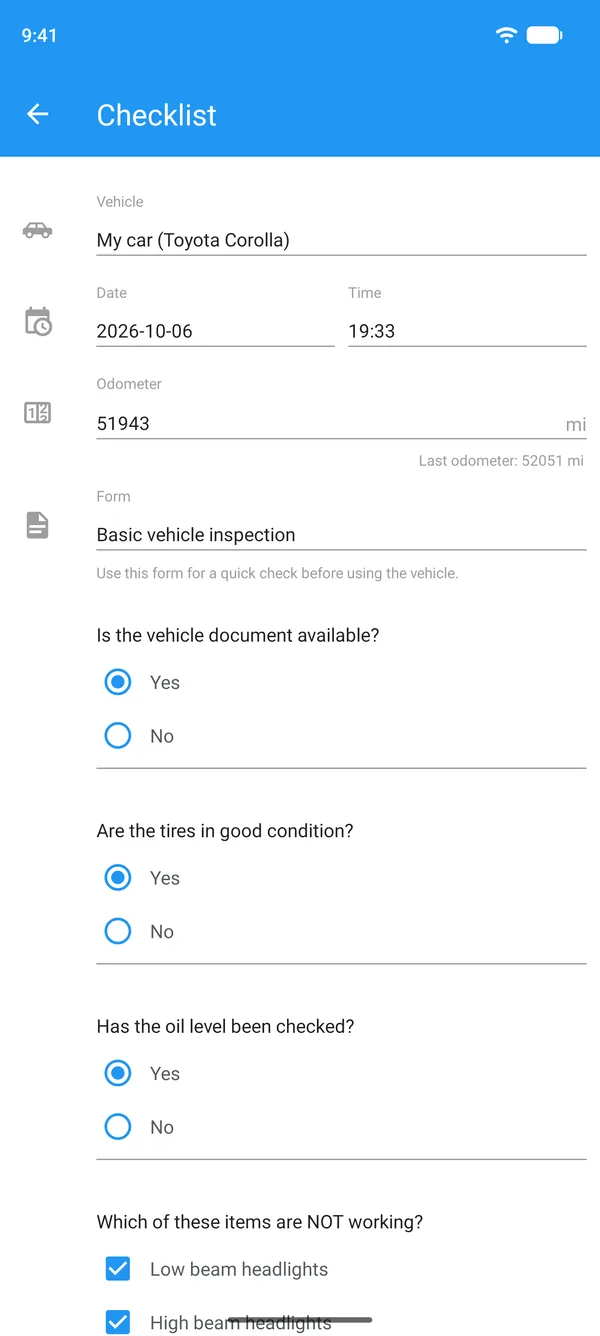
- Logs fill-ups, expenses, services, trips and checklists
- Takes a photo of the receipt on the spot
- Works offline and syncs later
- Doesn't see reports or other drivers' records
Watch the fleet management software at work
Adding vehicles and drivers and reading fleet reports, step by step, in Drivvo Web.
Everyone sees only what they need
The Administrator is whoever creates the account. Managers get the same access. Drivers see only the vehicles you assign. And you can create custom profiles, with per-module permissions to view, add, edit and delete.
| Administrator | Manager | Driver | Custom profiles | |
|---|---|---|---|---|
| Sees every vehicle | Assigned only | You choose | ||
| Sees everyone's records | Their own only | You choose | ||
| Adds and edits records | Per module | |||
| Deletes records | Per module | |||
| Sees reports | You choose | |||
| Manages vehicles and users |
Fuel, maintenance and cost tracking for your fleet
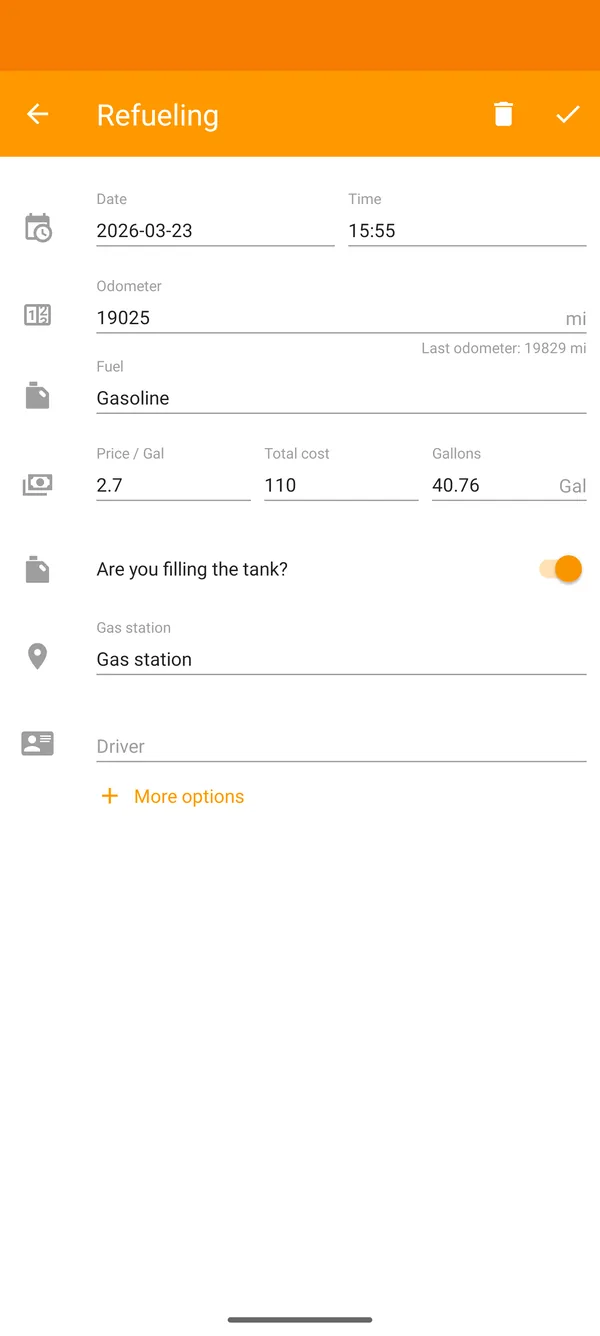
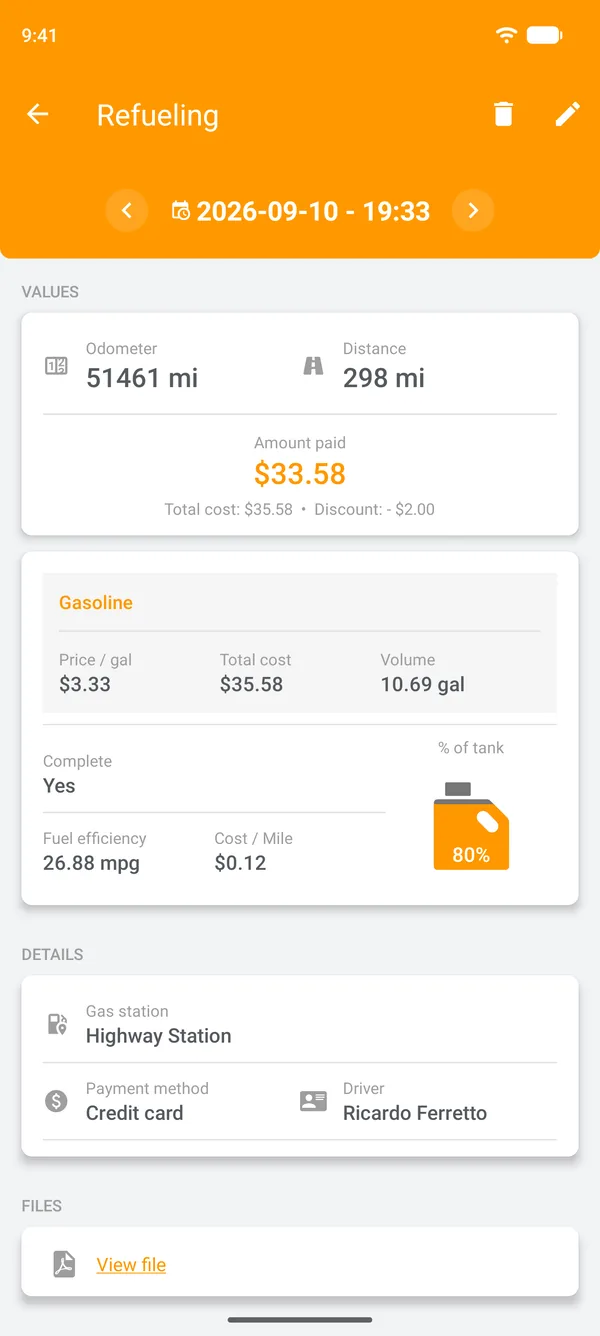
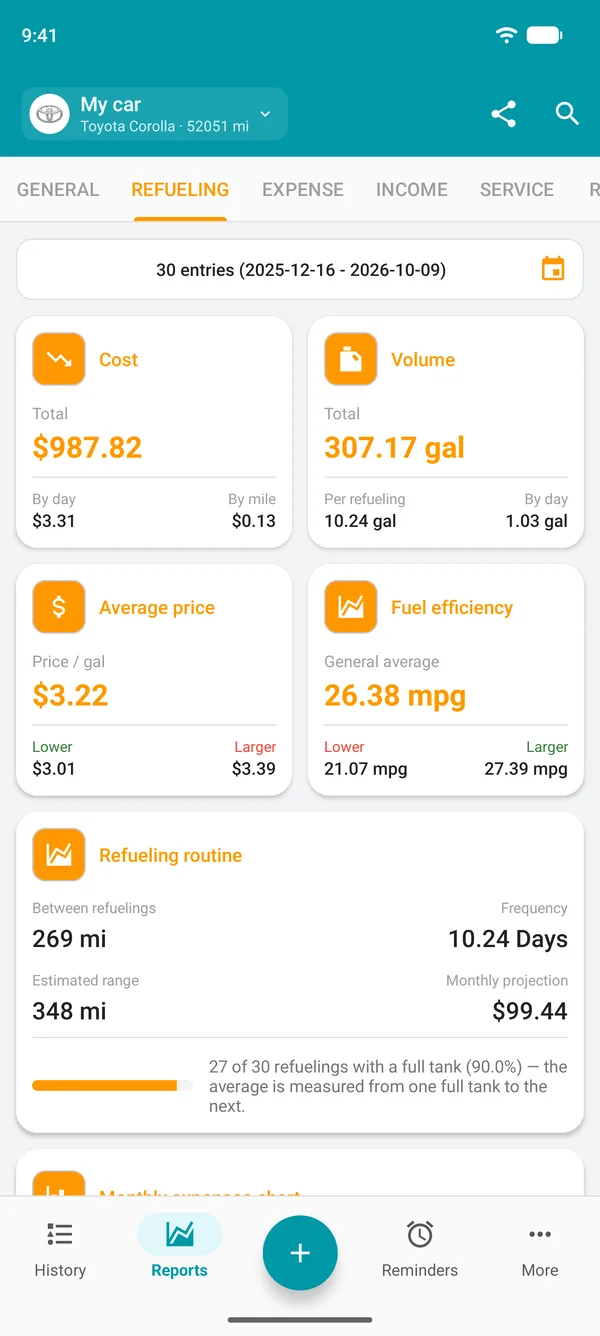
Fleet spreadsheet or Drivvo?
| With a spreadsheet | With Drivvo |
|---|---|
| Receipts arrive by WhatsApp, on paper or not at all | Drivers log it in the app, with a photo of the receipt |
| Someone retypes it all into the spreadsheet at month end | The record shows up in Drivvo Web, no retyping |
| Nobody knows which vehicle costs the most | Cost per vehicle and per driver, for any period |
| Oil changes go overdue without anyone noticing | Reminders by date or odometer, with an alert before they're due |
| Paper checklists lost in the glove box | Checklists on the phone, with photos, saved to the vehicle's history |
| More vehicles, more tabs, more broken formulas | New vehicle? Just add it: you pay per vehicle |
Questions about Drivvo for fleets
Do I need a credit card to try it?
No. The 15-day trial asks for no payment details and never turns into a charge on its own. You only pay if you decide to subscribe.
Can I cancel anytime?
Yes, with no contract and no cancellation fee. On the monthly plan, billing stops the next month; on the yearly plan, renewal is turned off and access continues until the end of the paid period.
How do drivers get started?
You add the driver with name and email and choose their profile and vehicles. They get a password by email, download the free app for Android or iPhone (or use the browser) and set a new one on first sign-in.
How many vehicles can I add during the trial?
The trial unlocks 10, 20, 30, 50 or 100 vehicles, based on the number you enter at sign-up, plus the same number of users. If you leave it blank, you get 10. After that, the Fleet plan is priced per vehicle, from 5 vehicles.
Can I bring in my fleet spreadsheet?
Yes. You fill in our template spreadsheet, send it to support and the Drivvo team imports the data into your account.
What happens when the trial ends?
Nothing is charged and your records stay in the account. To keep logging and see reports again, subscribe to the Fleet plan in Drivvo Web or through the app store.
Can drivers see the company's costs?
No. Drivers only see their own vehicles and the records they logged, with no reports. Administrators and managers see everything.
Does the app work offline?
Yes. Drivers can log records with no signal and the app sends everything when the connection is back.
Is Drivvo secure?
Yes. Every connection between the app, Drivvo Web and our servers is encrypted, and the database is backed up every day. Each company can only reach its own account, and inside it everyone sees only what their profile allows.
Does Drivvo track vehicles by GPS?
No. Drivvo records what happens with each vehicle: fill-ups, expenses, maintenance, trips and checklists. When the driver allows location access, a fill-up logged on the spot saves where it happened.
How much does Drivvo's fleet management software cost?
The Fleet plan is priced per vehicle, monthly or yearly (yearly costs less), from 5 vehicles. Each vehicle you pay for includes one user, plus you. You'll find the price in your currency in the pricing section of this page.
Can managers use the app too?
Yes. With an Administrator or Manager profile, the app shows every vehicle, the drivers' records and the reports, just like Drivvo Web.
What if a driver already uses Drivvo?
If their account has no records yet, just add the same email: it moves to your company and they get a new password. If they already have records in a personal account, use a different email.
Can drivers do vehicle checklists on their phone?
Yes. You build forms with your own questions and drivers fill them in the app, with photos and the current odometer. Every checklist is saved to the vehicle's history.